What Is a Printer Queue? How It Works (and Why It Matters)

Submitted by Byanka Ramos on

If you’ve ever hit 'Print' and watched your document seemingly vanish, it’s probably just sitting in the printer queue.

Printer queues work behind the scenes every time you print a document. Understanding how they work, whether you're printing a single PDF at home or managing multiple office printers, can help you troubleshoot delays and keep work moving.

In the 40 years we’ve been servicing printers, we've seen how something as simple as a poorly managed print queue can slow down an entire workflow.

In this article, we’ll explain what a printer queue is, how it works, and why print jobs sometimes get stuck.

Table of Contents

How to Replace the Drums on a Xerox VersaLink C500 or C505 Printer (Step-by-Step)

Submitted by Matthew Eberhart on
Video

A drop in print quality can be due to several factors, but if your Xerox VersaLink C500 or C505 printer is displaying a "Replace Drum” message, then this is most likely the cause.

Thankfully, replacing a drum is an easier maintenance task than it might seem.

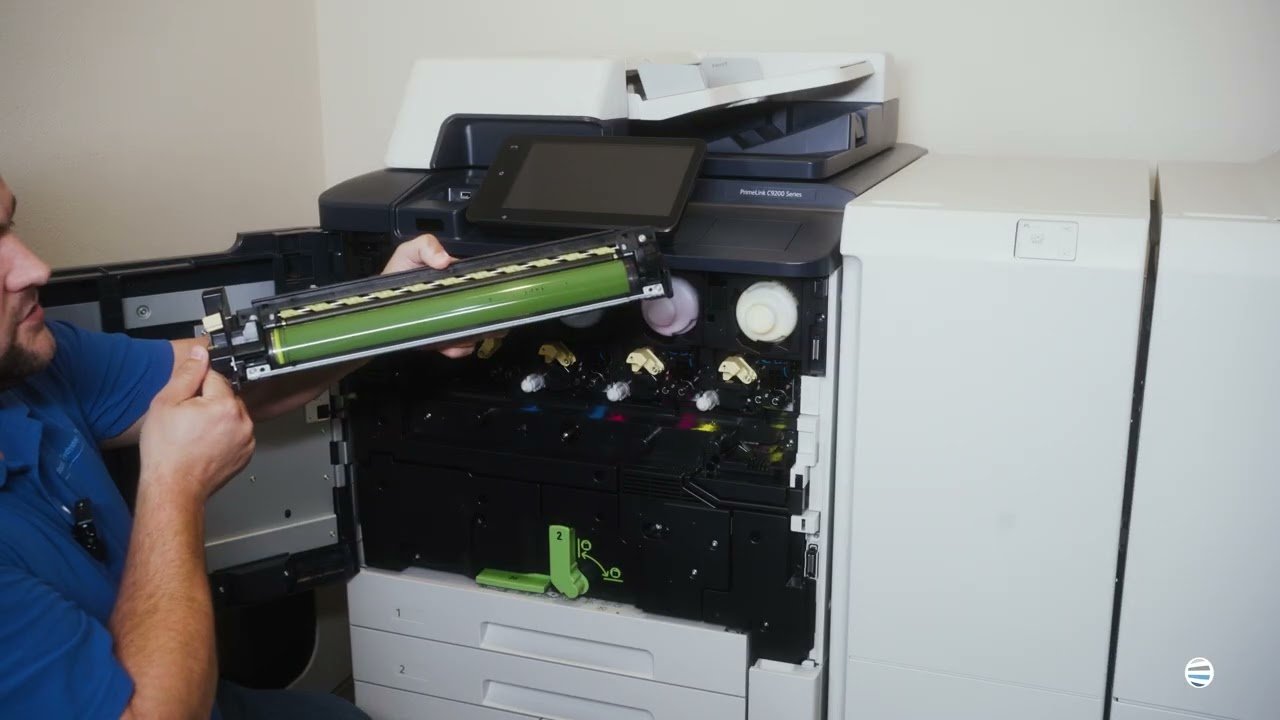
Unlike toner cartridges, drums don't need to be replaced as often. Still, they play a critical role in the printing process. Over time, the drum will wear down through normal use and you may notice streaks, faded prints, recurring marks on the page, or get a maintenance alert from the printer tell you to replace it.

At Strategic Technology Partners of Texas (STPT), we've serviced thousands of Xerox printers over the past 40+ years. In this guide, our printer technician Matthew from The Printing Workshop will show you exactly how to replace the drums on a Xerox VersaLink C500 or C505 printer.

Table of Contents

Is Print Management Software Right for Your Legal Organization? (Pros and Cons)

Submitted by Karla Metzler on

Law firms generate a staggering amount of paperwork. From contracts and court filings to discovery documents and legal briefs. All these documents move through the office every day. And while many firms have embraced digital workflows, printing is still a vital part of legal work.

But when it comes to printing, every printed page carries both a cost and a responsibility.

A confidential document that’s left sitting on a printer could lead to client confidentiality issues. Plus, many firms can’t accurately track printing costs by client or matter, so it’s harder to recover expenses and understand where money is being spent.

As a print vendor with 40 years of experience helping organizations improve their print environment, we've seen how the right print management software can help law firms strengthen document security. It can also improve visibility into printing costs and simplify day-to-day workflows.

How to Replace The 2nd Bias Transfer Roller On The Xerox AltaLink C8200/B8200 Series

Submitted by Matthew Eberhart on
Video


If your Xerox AltaLink C8200/B8200 Series copier is displaying a "Replace Second Bias Transfer Roll" message, you may be wondering what this component does and whether replacing it is something you can handle yourself. The good news is that this is one of the easier maintenance procedures on the C8200/B8200 Series and only takes a few minutes when you know where to look.

Like many customer-replaceable components inside Xerox devices, the second bias transfer roll plays an important role in the printing process. Replacing it when prompted helps maintain print quality and ensures your copier continues operating as designed.

At Strategic Technology Partners of Texas (STPT), we've serviced thousands of Xerox printers and copiers for more than 40 years.

What's Included in STPT's Base Service Plus Cost-Per-Copy (CPC) Plan?

Submitted by Byanka Ramos on

Ever wondered what’s truly covered in your printer service agreement? Even if you think you understand, many new and longtime customers still find themselves asking questions. In fact, it’s one of the most common questions we hear.

Maybe your printer needs service, your toner is running low, or you receive your monthly invoice and aren't quite sure what you're paying for. Those questions are completely understandable. Knowing exactly what’s in your service contract makes managing your printers easier and stops you from guessing about what's covered.

Over the 40 years we’ve been helping businesses keep their printers running efficiently, we've found that many questions about our Base Service Plus Cost-Per-Copy (CPC) Plan don't come from the service itself. Instead, they stem from simply not knowing what to expect.

This guide explains exactly what's included, what isn't, how the billing works, and whether the CPC Plan is the right fit for your business.

How Long Do Printers Last? (and How to Make Yours Last Longer)

Submitted by Keith Metzler on

When a printer starts jamming every other day or takes twice as long to finish a print job, it could be that your printer is simply getting old.

While replacing office equipment isn't something businesses plan to do often, holding onto a printer for too long can cost more than replacing it.

The thing is, there isn't a single lifespan that applies to every single printer. A home inkjet printer used a few times each month is different than a business MFP producing thousands of pages every week. The way a printer is used, maintained, and even the environment it's kept in all affect how long a printer will last.

Printer Problems: Should I Call IT or My Print Vendor?

Submitted by Keith Metzler on

A printer goes down in the middle of a busy workday.

When a printer goes down in the middle of a busy workday, it can cause serious disruptions. An office manager can’t print an invoice, a teacher can’t print classroom materials, and a healthcare office can’t scan a document.

The priority in this case is to get the printer issue resolved as quickly as possible so work can resume. But who do you call: IT or a print vendor?

Often, when something goes wrong with a printer, many organizations immediately contact their IT department, even when the issue may be better suited to a printer technician or hardware repair.

While printers are physical devices with moving parts, they're also connected to networks, cloud services, email systems, and security protocols. As a result, it isn't always obvious who should handle the problem.

Why Print Media Still Matters in a Digital World (And Why It's Making a Comeback)

Submitted by Byanka Ramos on

If you walked into a bookstore on a Saturday afternoon, browsed the magazine aisle at a grocery store, or noticed the growing popularity of vinyl records, you might think you've stepped back in time. In a world where nearly everything seems to be moving online, physical media is experiencing an unexpected resurgence.

At first glance, that might seem contradictory. After all, we have smartphones in our pockets, cloud storage for documents, streaming services for entertainment, and digital platforms for nearly every aspect of work and life. Despite this, people are still choosing physical books, printed marketing materials, vinyl records, and other tangible forms of media.

5 Best Printers for College Students (2026)

Submitted by Keith Metzler on

Starting college often means buying new laptops, textbooks, dorm essentials, and countless other supplies. However, an often-overlooked item is the printer. For many students, having reliable access to a printer can make life a lot easier throughout the school year.

While most colleges offer campus printing services, those costs can add up quickly. According to many university printing programs, students often pay per page once they exceed their allotted print credits. If you're printing research papers, study guides, lecture notes, scholarship applications, and class projects, those small charges can add up over the course of a semester.

Convenience is another factor. A personal printer gives students the flexibility to print whenever they need to, whether that's from a dorm room, apartment, library study session, or shared living space.

How to Replace the Transfer Belt Cleaner on a Xerox AltaLink B8200 Series Copier

Submitted by Matthew Eberhart on
Video


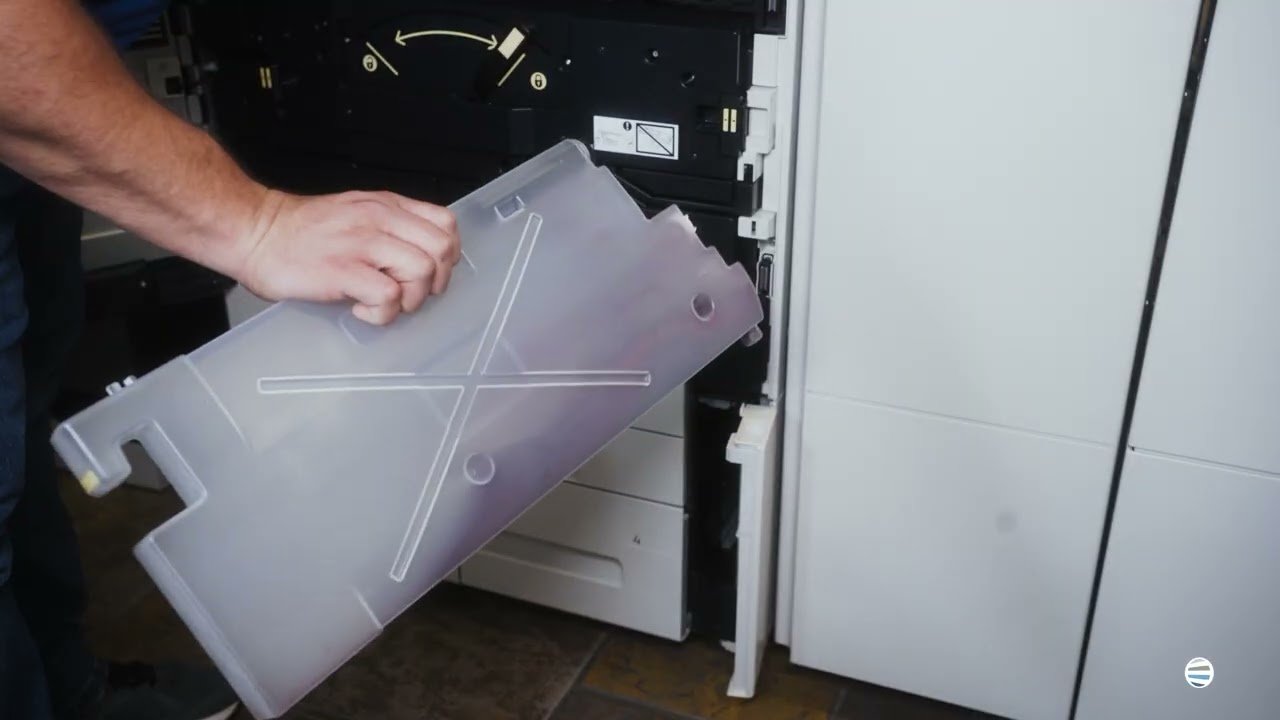
If your Xerox AltaLink B8200 Series copier is displaying a "Replace Transfer Belt Cleaner" message, you may be wondering what this component does and whether replacing it is something you can handle yourself. Fortunately, the process is relatively straightforward when you know where to find the part and how to install it correctly.

Like many maintenance items inside a Xerox copier, the transfer belt cleaner plays an important role in maintaining print quality and keeping the machine operating efficiently. Ignoring a replacement alert can eventually affect performance, which is why it's best to replace the component when prompted.

At Strategic Technology Partners of Texas (STPT), we've serviced thousands of Xerox printers and copiers across North Texas over the past 40+ years.

Subscribe to