Office Equipment

Is an Inkjet Printer the Best Choice for Your Business?

Submitted by Byanka Ramos on

When a business starts looking for a printer, they’re often told that laser printers are the best choice for the office. While, yes, laser technology dominates most workplace environments, this doesn’t mean inkjet printers can’t also be suitable.

Most people assume that inkjet printers are meant for home use and occasional printing, but that assumption isn’t entirely accurate.

Businesses that rely on high-quality color output can still benefit from inkjet printing technology. Today, marketing teams, designers, photographers, and even some print shops use inkjet printers to produce vibrant images, detailed graphics, and specialized print materials.

At the same time, inkjet printers are not the right fit for every business. The right printer for a business will depend on factors like print volume, document type, operating costs, and reliability.

Printer Size vs. Space Requirements: What's the Difference?

Submitted by Joel Metzler on

One of the top things you need to determine before purchasing an office printer/copier is where you'll set it up in your office, home, living room, business, etc. You need to consider not only the printer's size but also its placement so that you can properly access it when needed.

Printers today come in all shapes and sizes, catering to diverse needs and spaces. There's a printer for every scenario, from compact, desktop-friendly models to large, multifunction machines. 

While powerful and feature-rich, large multifunction printers (MFPs) often lean towards bulkier designs that can take up a lot of space in your business or workspace.

How A Texas School District Reduced Color Printing Costs and Improved Service Across Campuses

Submitted by Karla Metzler on

Growth is exciting, but can your printer fleet keep up with it?

For one of the fastest-growing school districts in Texas, this question kept popping up. More students mean more teachers and more campuses. And with that growth also comes more printing, more color usage, more service calls, and more pressure on IT.

The district needed a print vendor that could scale with them, reduce unnecessary color costs, and deliver reliable local service without disrupting instruction.

Here’s what they were facing, how they evaluated vendors, and what solution they implemented district-wide.

Table of Contents

Customer Success Story: Bluebonnet Feeds Improves Printer Uptime with Local Service

Submitted by Karla Metzler on

Tired of unreliable printer service from your print vendor? See how Bluebonnet Feeds improved uptime and support with a smarter local solution.

When your team depends on reliable printing every day, slow service and constant supply headaches can quietly drag down productivity. That was the reality for Bluebonnet Feeds in Ardmore, Oklahoma.

After partnering with Strategic Technology Partners of Texas (STPT), they gained faster support, automated supply fulfillment, and more confidence in their print environment.

If you’re currently evaluating providers, read our guide, “5 Signs of a Quality Print Vendor.”

Below is a look at what changed for Bluebonnet Feeds and why it worked.

What Products and Services Do We Offer?

Submitted by Karla Metzler on

Printers and document workflows shouldn’t slow your business down. But for many organizations, unmanaged print environments quietly waste time, budget, and IT resources.

At Strategic Technology Partners of Texas (STPT), we help businesses take control of print, document, and workflow processes with reliable technology, local service, and proven software solutions.

Table of Contents

5 Signs of a Quality Print Vendor (And How to Spot One Before You Commit)

Submitted by Karla Metzler on

When businesses shop for a new printer or copier, they often focus on factors such as brand, speed, and price. But what many organizations don’t realize until later is that the print vendor they choose often has a bigger impact on their day-to-day experience than the hardware ever will.

A quality print vendor can simplify operations, control costs, and prevent problems before they start. A poor one the other hand, can leave you dealing with downtime, confusing bills, and support that’s hard to reach when you need it most.

This article breaks down five clear signs of a quality print vendor so you can evaluate potential partners before signing anything. Our goal is to help you feel confident in the decision you’re making.

Table of Contents

How to Replace the Fuser on a Xerox VersaLink C625

Submitted by Matthew Eberhart on
Video

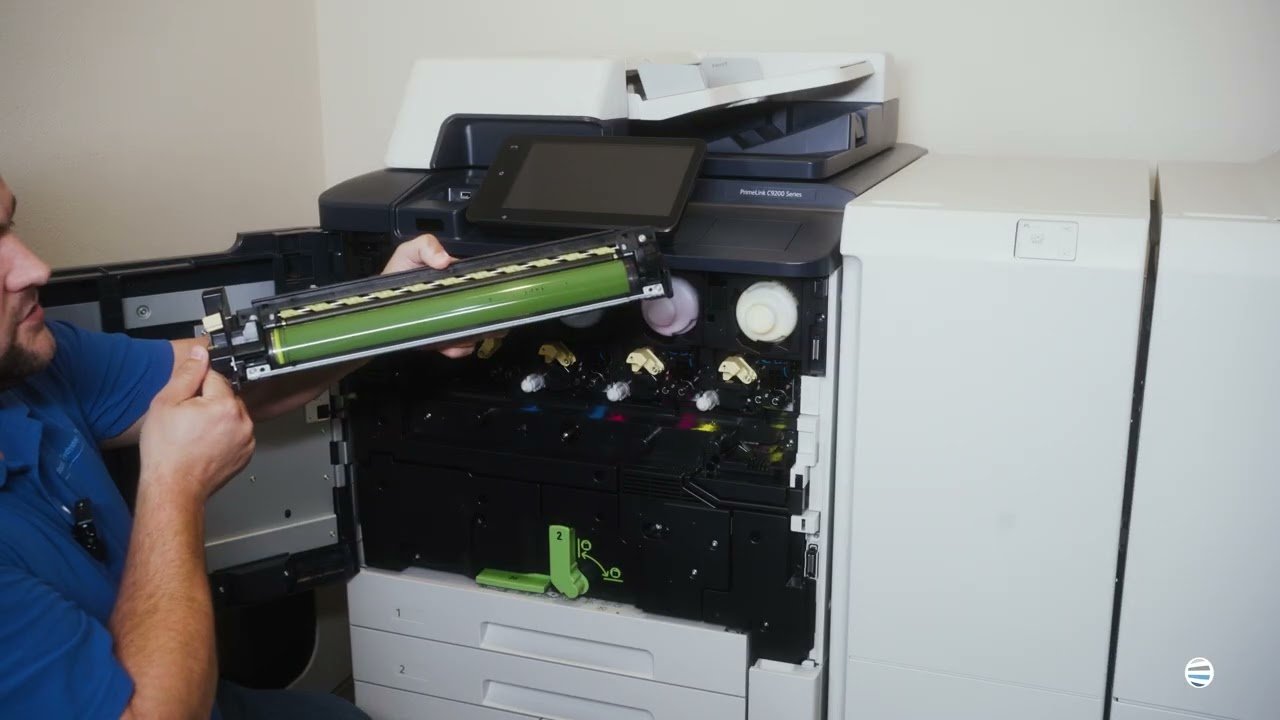
Is your Xerox VersaLink C625 printer giving you dull prints, random smudges, or wrinkled paper? The culprit might just be your fuser. Many people don’t realize how essential the fuser is until their print quality nosedives or their machine starts jamming. If you’re dealing with inconsistent output or frequent breakdowns, it’s probably time to replace this critical component.

In this blog, you’ll learn exactly when and why to replace your fuser, and you’ll get a step-by-step guide from a seasoned printer technician who’s done it thousands of times. His name is Matthew, and he's one of the experts from Strategic Technology Partners of Texas (STPT). Our STPT team has been in the trenches, repairing thousands of printers across industries and organizations.

At, STPT we know our stuff, and more importantly, we know how to make this easy for you.

By the time you finish this article, you’ll know:

Top 5 Best Printer Brands (2026)

Submitted by Karla Metzler on

According to 360 Research, there are more than 40 global printer manufacturers competing in the printer market. Yet despite the size of the market, only a handful of printer brands consistently lead the industry worldwide.

For buyers, that creates a familiar problem: too many options that look similar on the surface, but differ in meaningful ways once you dig deeper. Features, long-term reliability, support, and software ecosystems often matter far more than logos or price tags.

As a locally managed print vendor for nearly 40 years, we’ve worked with businesses across a wide range of industries and print environments. That experience gives us a clear view of how different printer manufacturers compare in real-world use.

Inkjet vs. Laser: Which Printer Is Right for You? (2026)

Submitted by Joel Metzler on
Video


What is the difference between an inkjet and a laser printer, and which is right for you? Are laser printers better than inkjet printers and vice versa?  

These are common questions anyone who’s ever considered buying a printer will ask. If you want to choose the ideal printer for your printing needs, you must know the answers. Or else risk being stuck with an ill-equipped machine.   

We’ve been a local print vendor for over 40 years and often get asked which type of printer is better for them. The truth is that the right printer type will vary depending on what your goals are.

In this blog, we'll rely on our expertise to provide you with all the information you need about laser and inkjet printers. We’ll compare the features of both printers, such as costs, print speeds, and print quality. This way, you will know which machine is better suited to your printing goals.

Table of Contents

Is Fiery the Right Digital Front End (DFE) for Your Print Environment?

Submitted by Keith Metzler on

If you own a production printer and wonder why you’re not getting flawless output and are struggling with color consistency, file issues, or slow turnaround, don’t blame your printer just yet.

Here’s a truth we see often in the field: most production print challenges don’t start at the printer itself. They start earlier in the workflow, where files are processed, colors are interpreted, and jobs are managed. Digital front ends (DFEs) play a critical role in production printing, and Fiery, in particular, comes up often in these conversations.

Before we go any further, let’s be upfront. At Strategic Technology Partners of Texas, we work closely with Xerox production printers, many of which offer Fiery digital front ends. We install them, support them, and train customers on them regularly.

Subscribe to Office Equipment