Skip to main content

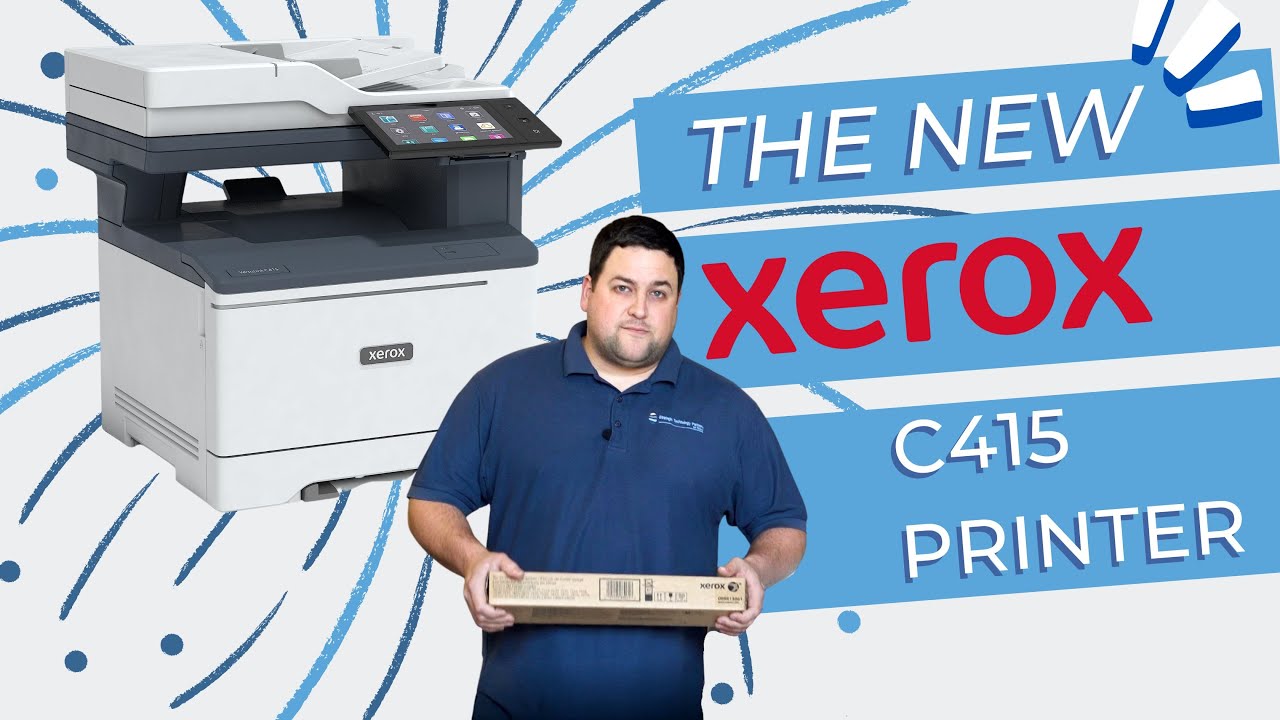
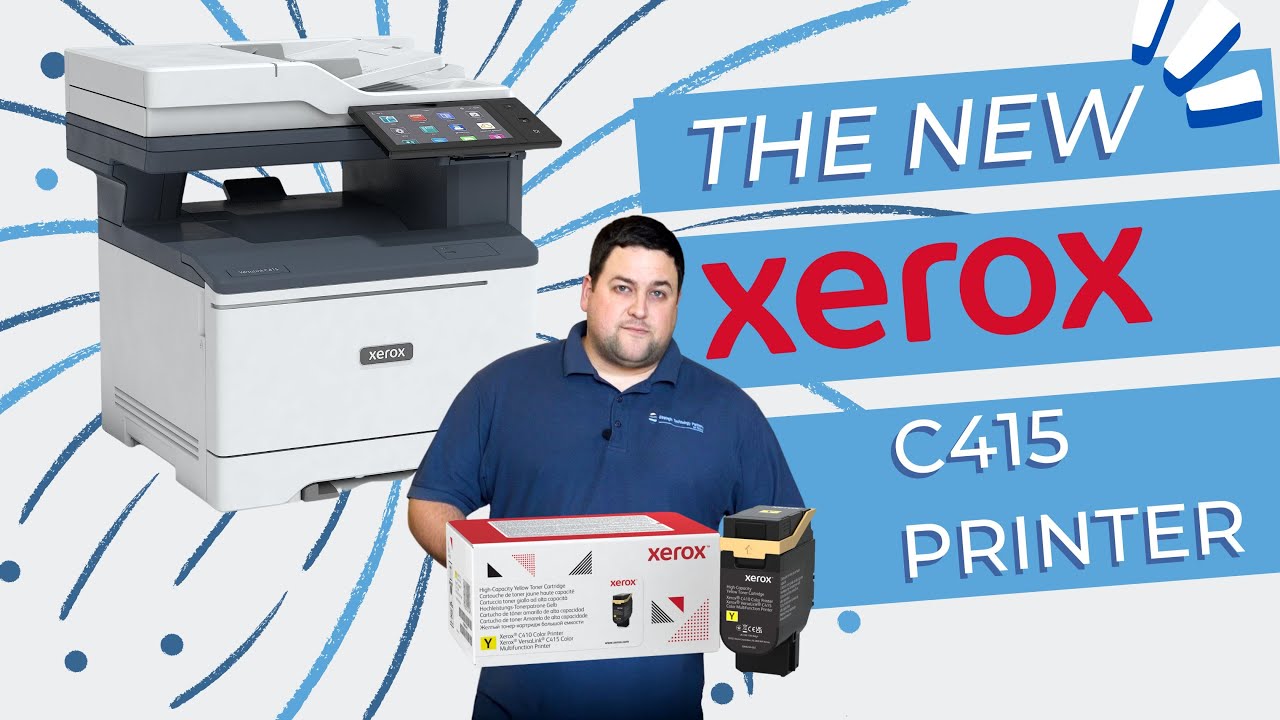
How to Replace the (Black Only) Imaging Units on Xerox VersaLink C410 & C415

Is your printer producing faded or streaky prints? Are you constantly battling with low-quality output despite changing toner cartridges? If so, your black imaging unit might be the culprit.
Fear not—in this comprehensive guide, we will walk you through the process of replacing the black imaging unit in your Xerox C410/C415 printer.
This step-by-step tutorial is provided by Strategic Technology Partners of Texas (STPT), experts in printer servicing who have resolved this issue thousands of times.
Our skilled technician, Matthew, with years of experience in printer repairs, will be your guide. By the end of this article, you will not only understand why and when your black imaging unit needs replacement but also gain the confidence to do it yourself.