Model Reviews

Xerox C300 Review: Pros, Cons, and Cost

Submitted by Byanka Ramos on

A small office printer is nice until your print volume grows and it starts to produce slow output or requires constant paper refills. Frequent printing demands more than a basic personal device.

The Xerox C300 fills that middle ground. It’s a single-function A4 color printer for small and midsized teams that need faster output, flexible connectivity, and professional color. It does not copy or scan, which limits who will benefit from it.

As a Xerox partner with more than 40 years of office equipment experience, we know that specifications only matter when they match the workplace. This review covers the C300’s features, drawbacks, cost, and ideal users.

Table of Contents

Xerox C255 Review: Pros, Cons, and Cost

Submitted by Byanka Ramos on

A compact printer can save space, but it shouldn’t mean piecing together several devices just to complete routine work. If employees regularly print, copy, scan, and fax, choosing an entry-level machine without all four functions can be impractical.

The Xerox C255a is designed to provide those everyday capabilities in a small package. This A4 color multifunction printer is part of Xerox’s recently launched C-Series lineup for small teams, hybrid workplaces, and offices that want straightforward technology without moving up to a larger departmental copier.

As a Xerox partner with more than 40 years of experience in the office equipment industry, we have seen how important it is to match a printer to the way an office actually works. This review takes a balanced look at the Xerox C255a’s specifications, main features, strengths, drawbacks, cost, and best-fit users.

Table of Contents

5 Best Printers for Small and Medium-Sized Offices in 2026

Submitted by Keith Metzler on

Choosing an office printer can get frustrating once you start comparing models. One printer may have the speed you need but cost more to operate, while another may be affordable but struggle to keep up with your monthly workload.

If you’re a small or medium-sized office, your printer needs to handle everyday documents reliably without taking up unnecessary space, creating bottlenecks, or costing more than expected in ink, toner, and maintenance.

At Strategic Technology Partners of Texas (STPT), we've spent more than 40 years helping organizations choose printers that match their actual workloads and business needs.

In this guide, we'll compare five of the best printers for small and medium-sized offices in 2026, explain who each model is best for, and cover the features you should consider before making a decision.

What Is the Best Printer for a Small or Medium-Sized Office in 2026?

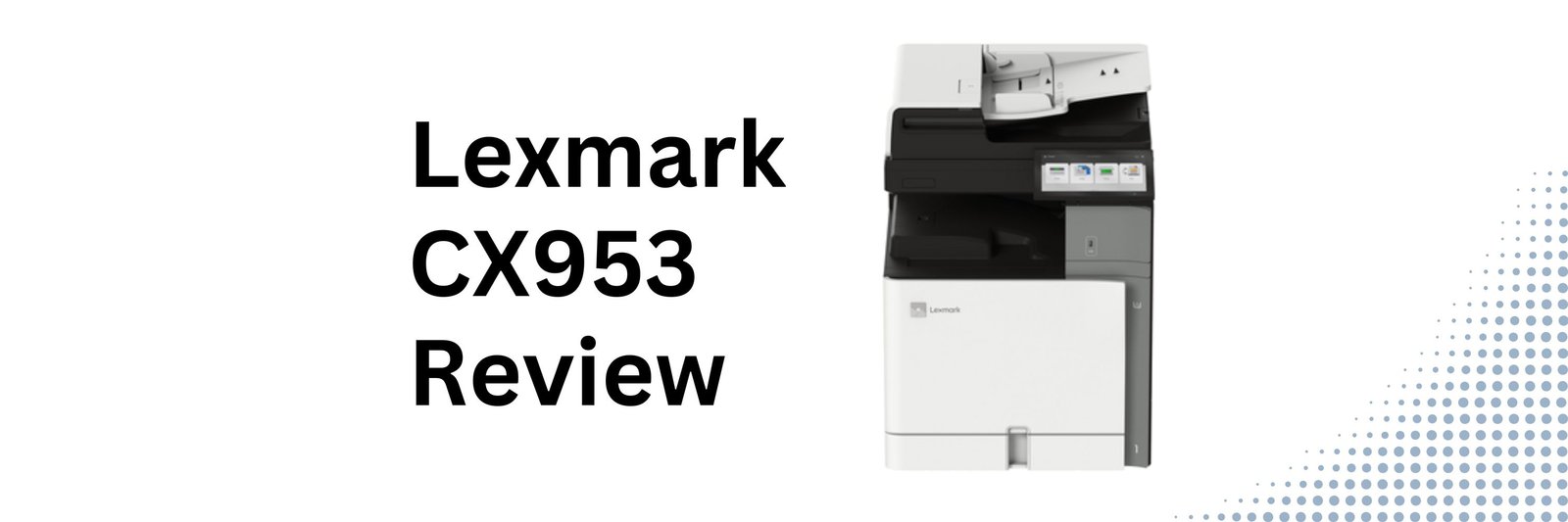
Lexmark CX953 Review: Pros, Cons, and Cost

Submitted by Byanka Ramos on

If your office relies on color printing every day, your printer becomes more than just another piece of equipment.

And as your printing demands increase, it's natural to wonder whether your current printer can still keep up. If not, it might be time to move to something built for heavier workloads.

The Xerox-Lexmark CX953se is one machine that’s fit for high-volume, demanding printing environments.

As the fastest color multifunction printer in the Xerox-Lexmark 9-Series, the CX953se is designed for organizations that need enterprise-level performance, but don’t necessarily need a production press. It combines 55 pages per minute, high-capacity paper handling, professional color output, and advanced workflow capabilities in a platform that's surprisingly straightforward to operate and maintain.

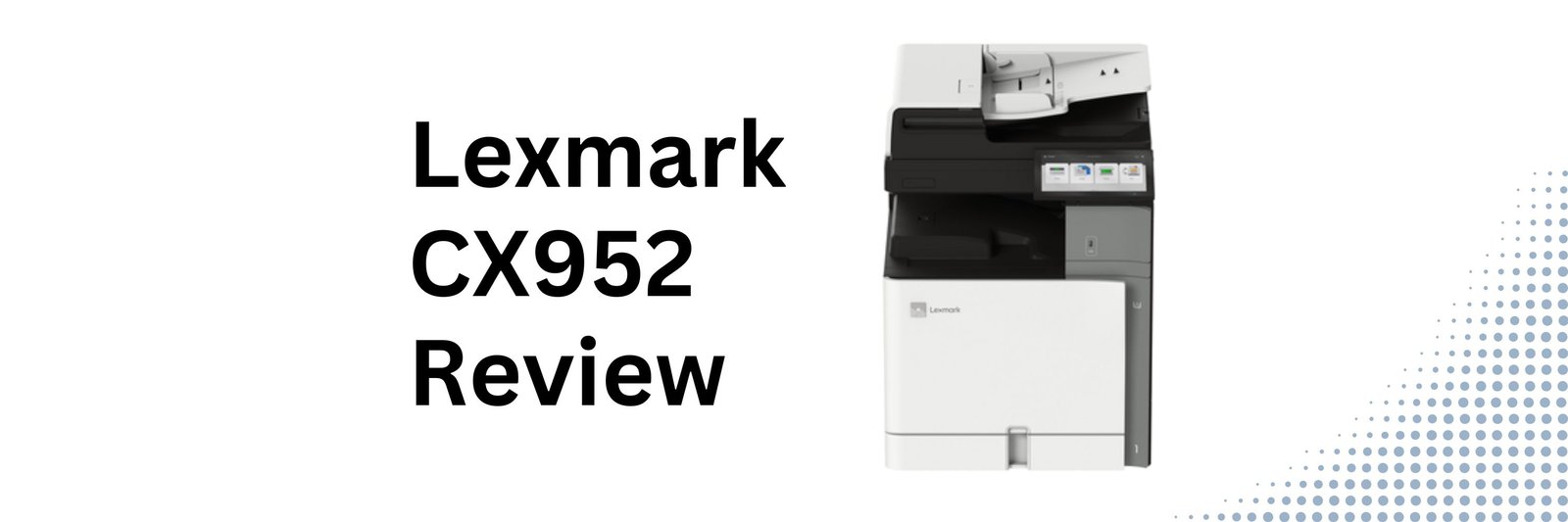
Lexmark CX952 Review: Pros, Cons, and Cost

Submitted by Byanka Ramos on

When an office starts printing more, its printers often can’t keep pace. This is when organizations start looking for something that offers more performance without being a full-blown high-end production device.

The Lexmark CX952se is designed to fill that gap.

Positioned in the middle of Xerox-Lexmark's new 9-Series lineup, the CX952se offers faster print speeds than entry-level A3 models. It also offers simple operation, enterprise security, flexible media handling, and workflow automation. It's built for organizations that want a powerful printer that's still easy to use and maintain.

As a Xerox and now Lexmark partner with nearly 40 years of experience, our goal is to provide an objective review that helps you decide whether this printer is the right fit for your organization.

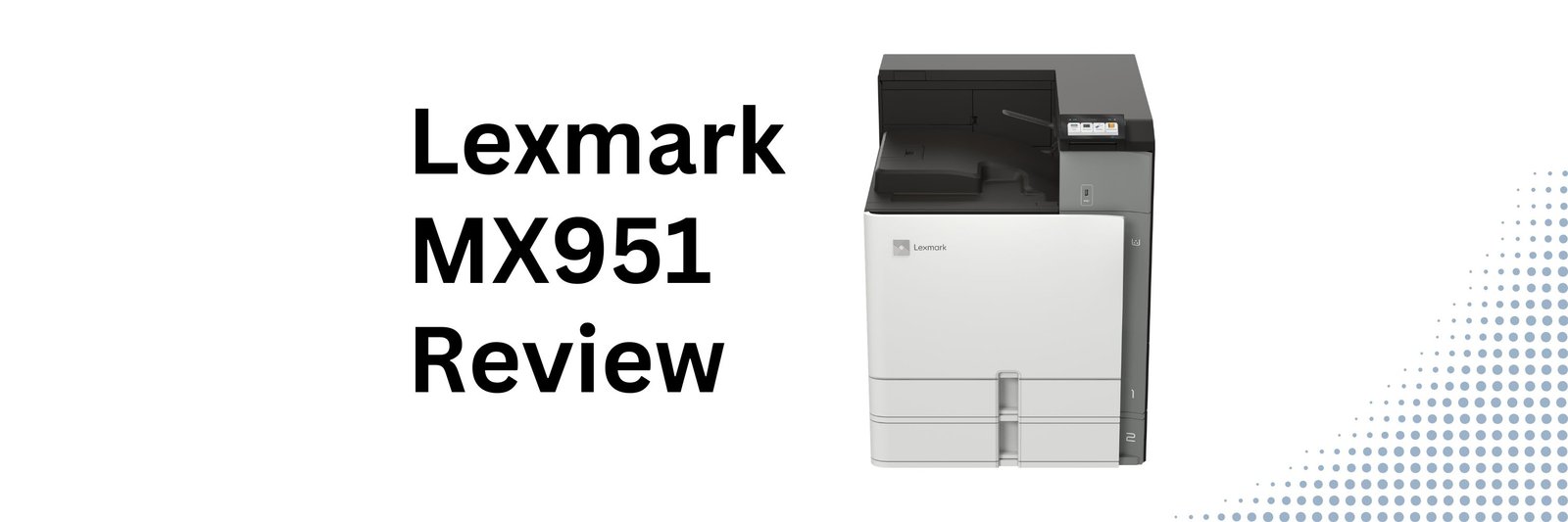
Lexmark MX951se Review: Pros, Cons, Cost, and Who It's Best For

Submitted by Byanka Ramos on

When businesses and organizations start shopping for a new multifunction printer, it's easy to assume that faster always means better.

But that's not always true.

Many organizations don't need the fastest machine on the market—they need one that's dependable, easy to manage, and capable of keeping up with everyday document workflows without adding unnecessary cost. For departments that print primarily in black and white, the right balance of performance, scanning, and reliability often matters more than having the highest page-per-minute rating.

That's where the Xerox/Lexmark MX951se comes in.

Xerox Proficio PX500: Pros, Cons, and Cost

Submitted by Byanka Ramos on

The production print industry is facing an interesting challenge.

Customers want faster turnaround times, shorter runs, more personalization, and higher-quality output than ever before. At the same time, many print providers are dealing with labor shortages, rising operating costs, and increasing pressure to do more with fewer resources.

That's one reason Xerox launched its new Proficio production press family.

The Xerox Proficio PX500 is designed for production environments that need more speed, more automation, and more monthly volume than entry-level production systems can comfortably handle. It builds on many of the technologies introduced in the Proficio family while targeting organizations that produce a higher volume of work and need maximum efficiency from both their equipment and operators.

Naturally, that leads to an important question:

Is the Xerox Proficio PX500 worth the investment, and who is it really designed for?

The Best Laser Printers for Home Use in 2026

Submitted by Byanka Ramos on

Are you working remotely or helping your kids print school assignments, or simply need a reliable printer for occasional documents? The right laser printer can make all the difference. However, finding the perfect laser printer is easier said than done. In 2026, there are thousands of options, and it can be overwhelming to know where to start.

That’s why we’ve compiled this list. At Strategic Technology Partners of Texas (STPT), we leverage 40 years of expertise to help you navigate the best options available. We know that consumers are looking for high-quality, efficient, and or cost-effective printer options.

This blog will guide you through the top five best laser printers for home use, highlighting key features, specifications, and why these models stand out.

In this guide, we'll look at the best laser printers for home use in 2026, explain who each printer is best suited for, and help you understand what features matter most before you buy.

Xerox Proficio PX300: Pros, Cons, and Cost

Submitted by Byanka Ramos on

For years, the Xerox Versant line has been one of the most recognizable names in light production print. Many print shops, franchises, in-plants, and marketing departments have built their workflows around machines like the Versant 180 and Versant 280 because they offered an appealing mix of quality, versatility, and affordability.

Now Xerox has introduced something new.

The Xerox Proficio PX300 is one of the first devices in Xerox's new Proficio production press family, a platform designed to help print providers produce higher-quality work with less manual intervention, greater media flexibility, and more workflow automation.

Naturally, that raises an important question:

Is the Xerox Proficio PX300 actually a worthwhile upgrade, or is it simply a new name replacing a familiar machine?

Lexmark MX953 Review: Pros, Cons, and Cost

Submitted by Byanka Ramos on

Not every office needs color printing.

For example, legal teams, schools, finance departments, and healthcare organizations often print thousands of black-and-white pages every month, and they need a machine that can keep up without becoming a bottleneck.

The Lexmark MX953se is one such machine.

We’ve helped businesses choose both color and black and white office printers. While we work with Xerox and Lexmark solutions, this article is intended to help you decide whether the Lexmark MX953se monochrome A3 multifunction printer is the right fit for your workflow.

In this review, we’ll walk through the MX953se’s pros, cons, scanning capabilities, media handling, pricing considerations, and who will benefit most from it.

Table of Contents

Subscribe to Model Reviews